Make math practice fun
ChocaBLOC gives your child a playful way to practice math, revisit familiar skills, and try new challenges. Explore our free, classroom-tested learning games for Grades K-6 and start with a game that catches their curiosity.
Already have an account? Sign in

See what’s behind the play.
Your parent dashboard helps you follow your child’s progress. See which skills they’re practising, check their strengths and areas for improvement, and set goals together.
Create an account for you and your child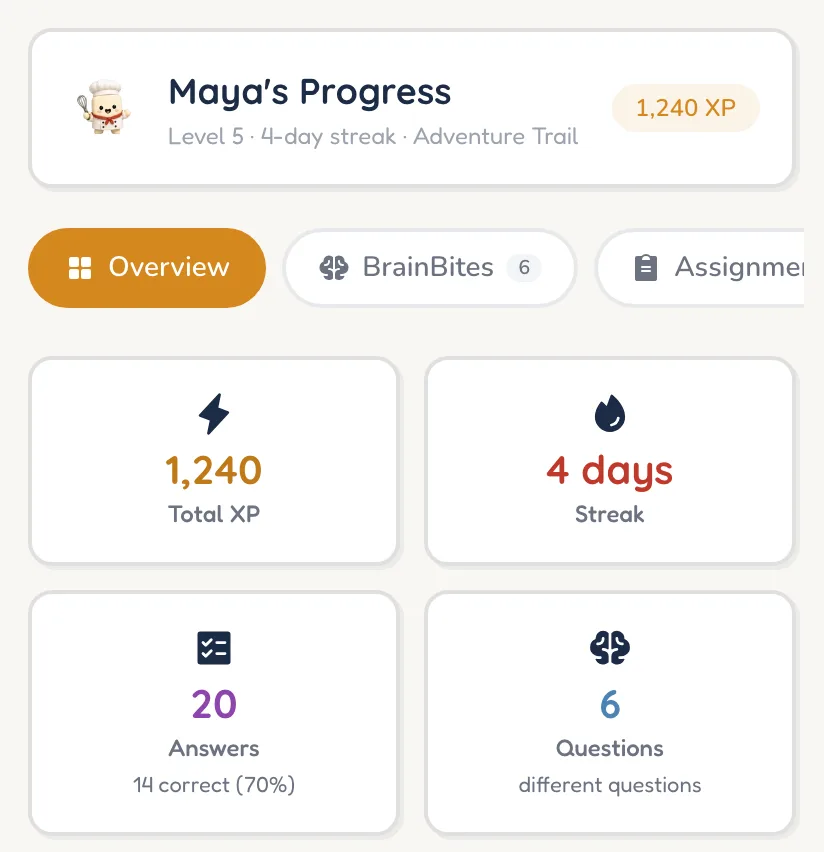
A game for everyone
Whether it’s exploring a jungle, dodging asteroids or operating a cafe, math is woven into the games in a way where your child is learning core curriculum while having a blast.
- Addition and subtraction: Try NumberZoo or Math Bingo.
- Times tables: Put multiplication into practice in Cocoa Lab.
- Money sense: Explore coins and amounts with Monkey Money.
- Probability: Think through chances and choices in Mountain Mates or Dig or Dash.
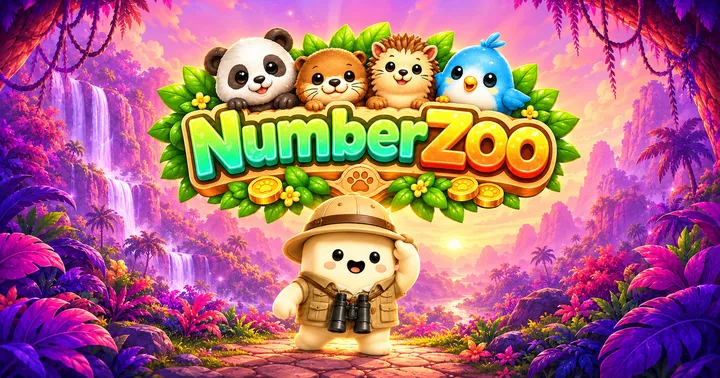
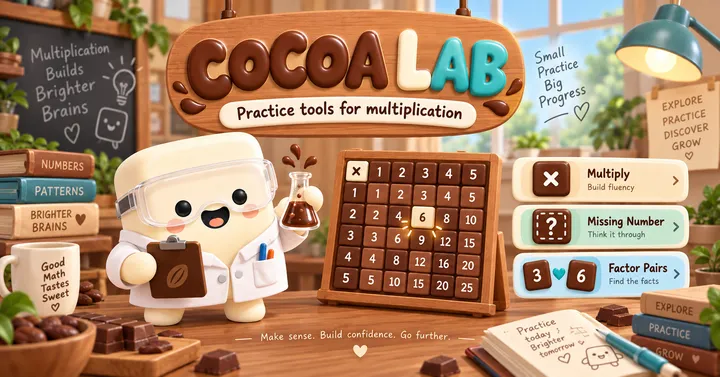


Find the fun in practising.
Counting, calculating, comparing, making choices. ChocaBLOC brings math practice into real, fun games, giving children different ways to work on the skills they’re learning in school.
Choose a familiar favourite they love or explore something new together.
Pick a skill your child is working on and try a game together. Ask how they worked out an answer or what they might try next. A short session can be a useful way to make room for practice in your family’s day.
A few things parents ask
Is this good screen time? How long should my child play?
All activities on Chocabloc are learning activities, so you can be assured that time spent on the website is time spent learning. Your child is free to spend however long you think is appropriate on screens.
What does the parent dashboard show?
The parent dashboard will show you things like what skills your child is practicing and how well they are doing. It also allows you to set up assignments and rewards for your child to focus on specific skills!
How do I add a child?
You can create a new account for your child with the “Add a Kid” button at the top of your dashboard.
Can I add more than one child?
You can have as many children as you want attached to your account and can view each child’s progress individually.
How do I link my child’s account to their teacher’s class?
Your child’s teacher will be able to create a class and invite your child with a printable invite slip. Your child can then enter that code in the My Classrooms tab in the navigation dropdown.
How do I delete my child’s account and data?
You can unlink your child’s account from yours directly in your dashboard, but you will have to log in to their account to delete their account. This is to prevent mix-ups when a child has a linked parent AND a linked classroom.
Do kids need an account to play?
Kids can play and experience the entirety of Chocabloc without an account, but we do encourage that they make one so they can store their progress and access all of the learning features at both home and school, and so you can track their progress from your own account!
Does it work on Chromebooks, iPads and phones? Is there an app?
Chocabloc is supported on Chromebooks, PCs, tablets, and phones. Currently, we do not have an app and are focusing exclusively on making the website the best it can be!
What if my child already has an account from school?
There are a couple ways to link an existing child. You can get your child to generate a parent link code and enter it with Link Account on your dashboard. You could also invite your child yourself by typing their name and generating your own code that your child can enter on their profile.
What is an assignment?
An assignment is a way for you to customize a quiz for your child to test their knowledge yourself. You choose the questions so you can see exactly where your child is in terms of their knowledge!
What is a Practice Assignment?
A Practice Assignment is a game of Cocoa Lab where you set the specific curriculum for your child to test. This is a great way to practice times-tables!
I want my child to practice a specific concept in a fun way; how can I know what game to recommend?
You can click the Games tab in your side-bar. This will bring up a list of games appropriate for your child. Clicking on a game will bring up a page that shows which skills that game practices!
What if my child forgets their log-in information?
You can always see your child’s account name in your own Profile, and can generate a new password for them at any time!
What is a “Premium subscription”?
A subscription allows you as a parent to be able to access more information on your child and monitor their progress closer. Right now, every parent who links their child gets it free. A child without a subscription is not affected in any way and can still access the full site and its features.
Already have an account? Sign in